59 open-source AI models in one place. Ask one — or let two answer and a third judge write the best reply. Pool your prompts for the big jobs, and export everything to PDF or Word in one click.
No card and no key: sign in with Google and the Free plan starts. Buying a plan? Use the same email at checkout that you sign in with, and the plan shows up in the app within a couple of minutes.
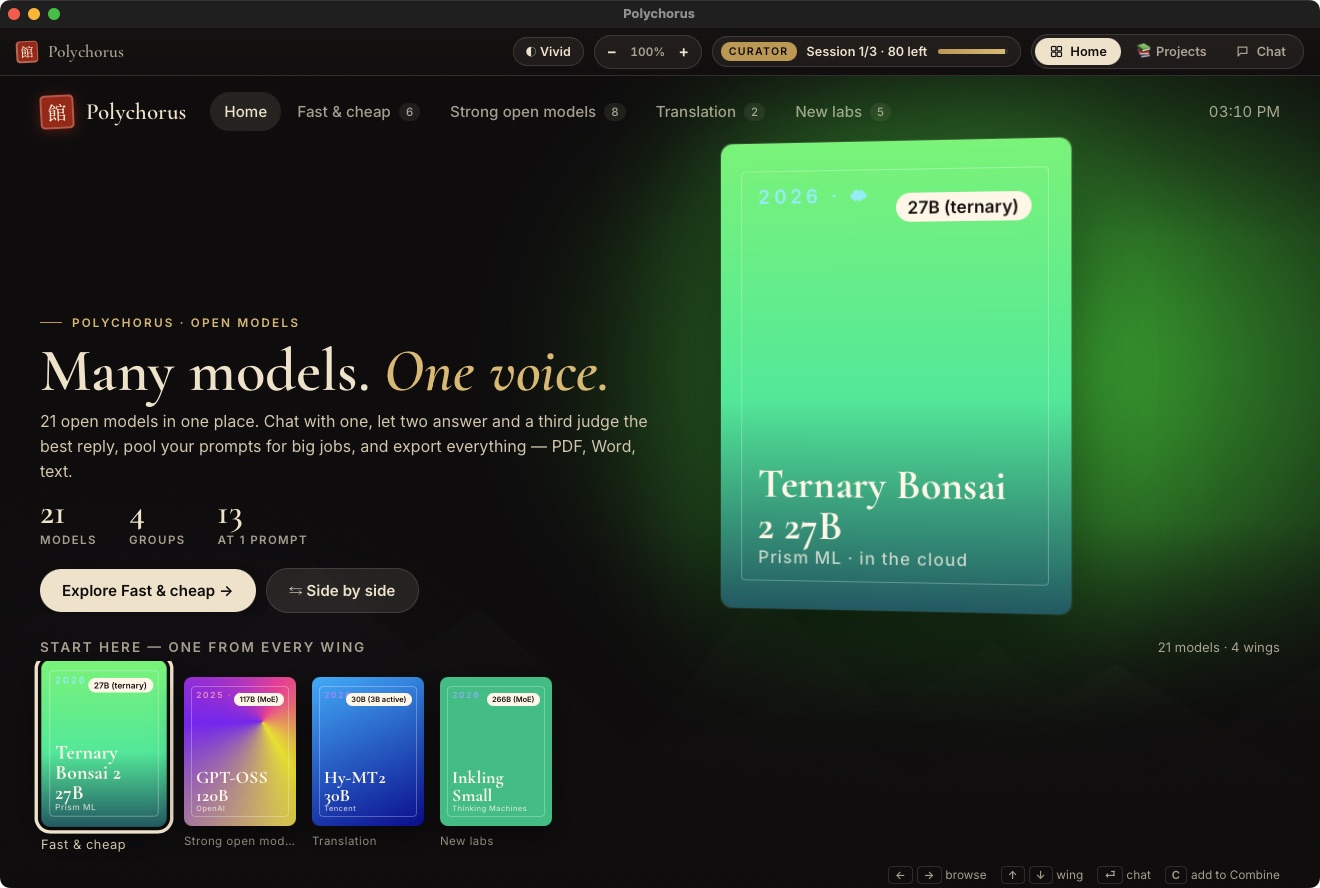
Most AI apps give you a daily limit that resets at midnight, a mystery credit balance, and a copy-paste problem when you're done. Polychorus fixes all three — and gives you ready-made Projects for whole jobs.
Your day comes in three sessions. On a big day, link the next session, the whole day, the week — even the month. Unused prompts go to your bank instead of disappearing.
Two models answer, a third judges and writes one better reply. Or seat a whole panel at a Roundtable: they give their takes, answer each other, and a moderator sums it up — brainstorm, debate, critique panel, writers’ room.
Save your way: one click exports a chat as a real file, Save to folder keeps a single answer, or choose a folder on your device once and turn on auto-save — every answer lands there by itself. No more copy-paste.
Drop in a file — a book, a thesis, subtitles — and pick a template: translate, proofread, summarise, study cards and more. Each one comes with the recommended models already loaded. Swap any model in one click, or build and save your own templates.
The + menu reads PDF, Word, EPUB and pictures. Ask for a document and get a PDF or Word file back. The built-in Converter turns books and photos into TXT, PDF, Word or EPUB — many at once, split into parts — with no AI and 0 prompts. Or just drop files and type “make one PDF from these”.
Switch on 🌐 and any model reads fresh pages before answering. Deep research splits your question into several angles, searches each one, and writes a report with sources — delivered as a PDF.
And no credit maths: the app simply says “about 140 prompts left today”. Small models cost 1 prompt per message, the biggest a few more.
Every model has an open licence — free to use, study and build on. Click any model in the app for a fact sheet: who made it, how big it is, what it's best for.
Everyday questions, 1 prompt each
The best open models of 2025–26
Built only for translating
Fresh names of 2026
Give Polychorus a whole book, thesis or subtitle file. It works through it part by part, saves as it goes, and can pause and resume tomorrow. Every template comes with recommended models already chosen — swap any of them, or build and save your own templates. Results save to your folder as the job runs.
Prices in euros, VAT included. Cancel anytime. Yearly: pay 9 months, get 12.
Checkout is by Payhip. Use the same email there that you sign in to Polychorus with — your plan is linked to that email.
What 1,200 prompts a day means: about 7,200 DeepSeek V4 Pro messages a month, roughly a translated book every day or two, or ~16 Premium Studio pictures a day. Built for translators, publishers, comic makers, researchers and teachers — not for all-day agentic coding.
Write an idea — a writer model can polish it, an open image model paints it, an inspector checks it. Pictures come from your normal prompts, so there's no separate subscription.
One model builds, a model from another lab checks the work before you see it — two models catch more than one. Everything runs on your normal prompts.
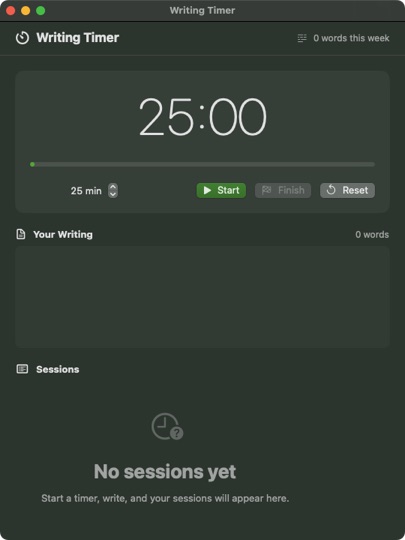
Its own icon, its own window, no browser bars. It always shows the latest Polychorus — and your account and chats come with you.
⚠️ You opened this page inside another app (like X or Instagram). Downloads don’t work there — tap ⋮ or … and choose Open in browser, then tap the button again.
Not from Google Play yet, so Android asks once. Nothing happening? Press and hold the button → Download link, or open this page in Chrome.
Nothing to install, updates itself. Needs macOS Sonoma (14) or newer.
Chrome or Edge work too: menu ⋮ → Cast, save and share → Install page as app.
⚠️ Made by Polychorus's founder and not yet verified by Apple. It's safe — a window for Polychorus, nothing else — but because Apple hasn't checked it yet, your Mac asks you to confirm the first time.
On macOS 12–14 you can also right-click Polychorus → Open → Open.
Yes — the Free plan is live. Open polychorus.com/app and sign in with Google; no key is needed. The paid plans are open as well.
Honest list: no connections to email or other services yet. Models only know recent news when you switch on 🌐 web search (paid plans). New features arrive every week.
One message to a model. Small models cost 1 prompt, the biggest ones a few more, and very long answers can count as a few — the app always shows it. No credits to decode.
Open models can be inspected, studied and run by anyone. They're also good enough now for most writing, studying and translating — and Combine makes them even better together.
In your own browser or app, not on our servers. To answer, a message is sent to the model through our AI provider, using providers that don't train on your data.
Valentin Sarić — a ballet accompanist and book translator from Zagreb, who kept hitting daily AI limits halfway through big jobs and built the tool he needed.
 Polychorus